PickSkill for Mac
PickSkill for Mac
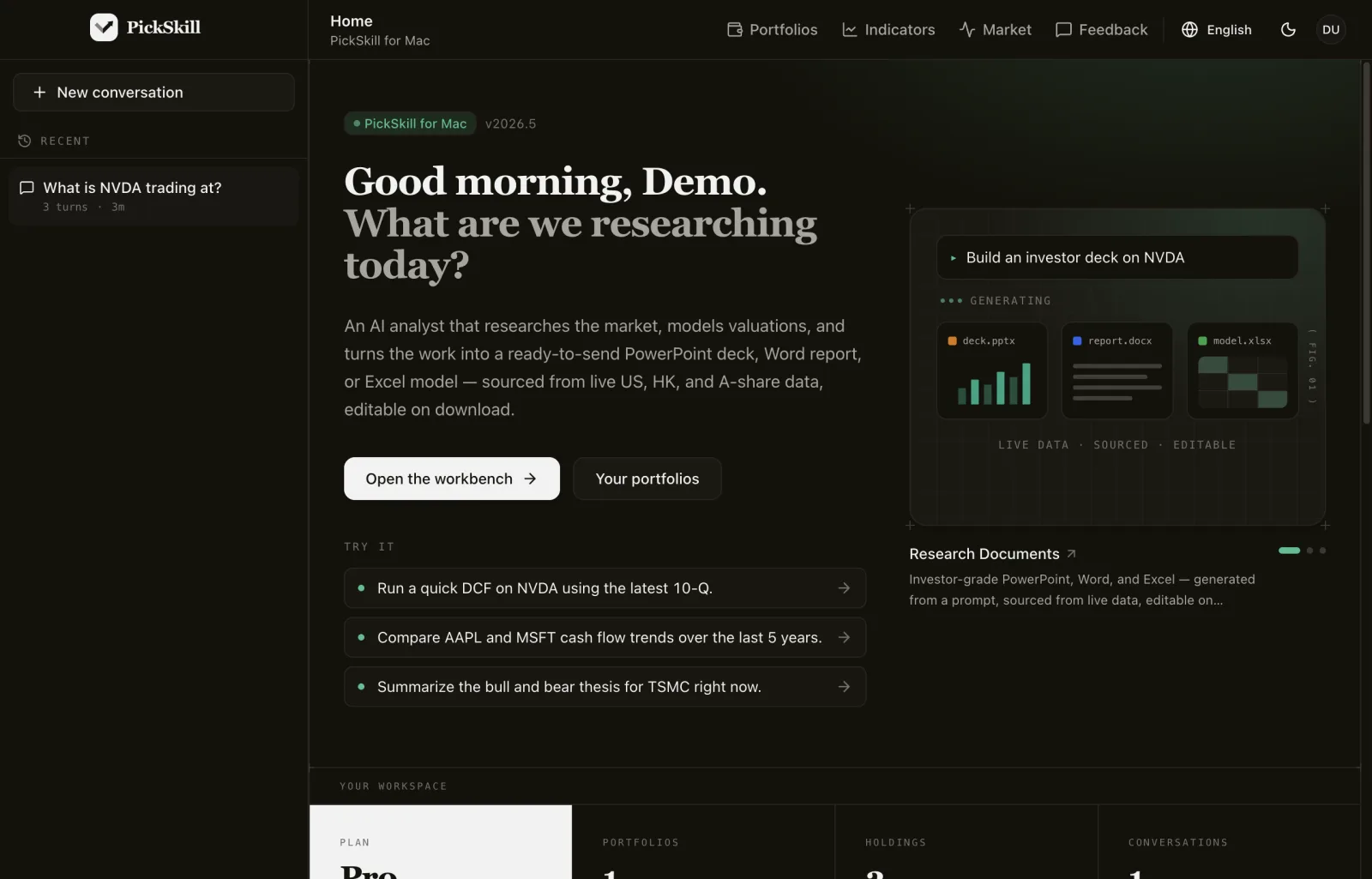
Research, portfolios and indicators in a native window. Free to download, works with every PickSkill plan.
Apple Silicon · M1 or later · Version 0.1.1 · macOS 13 or later · Free
Release notes & checksums ↗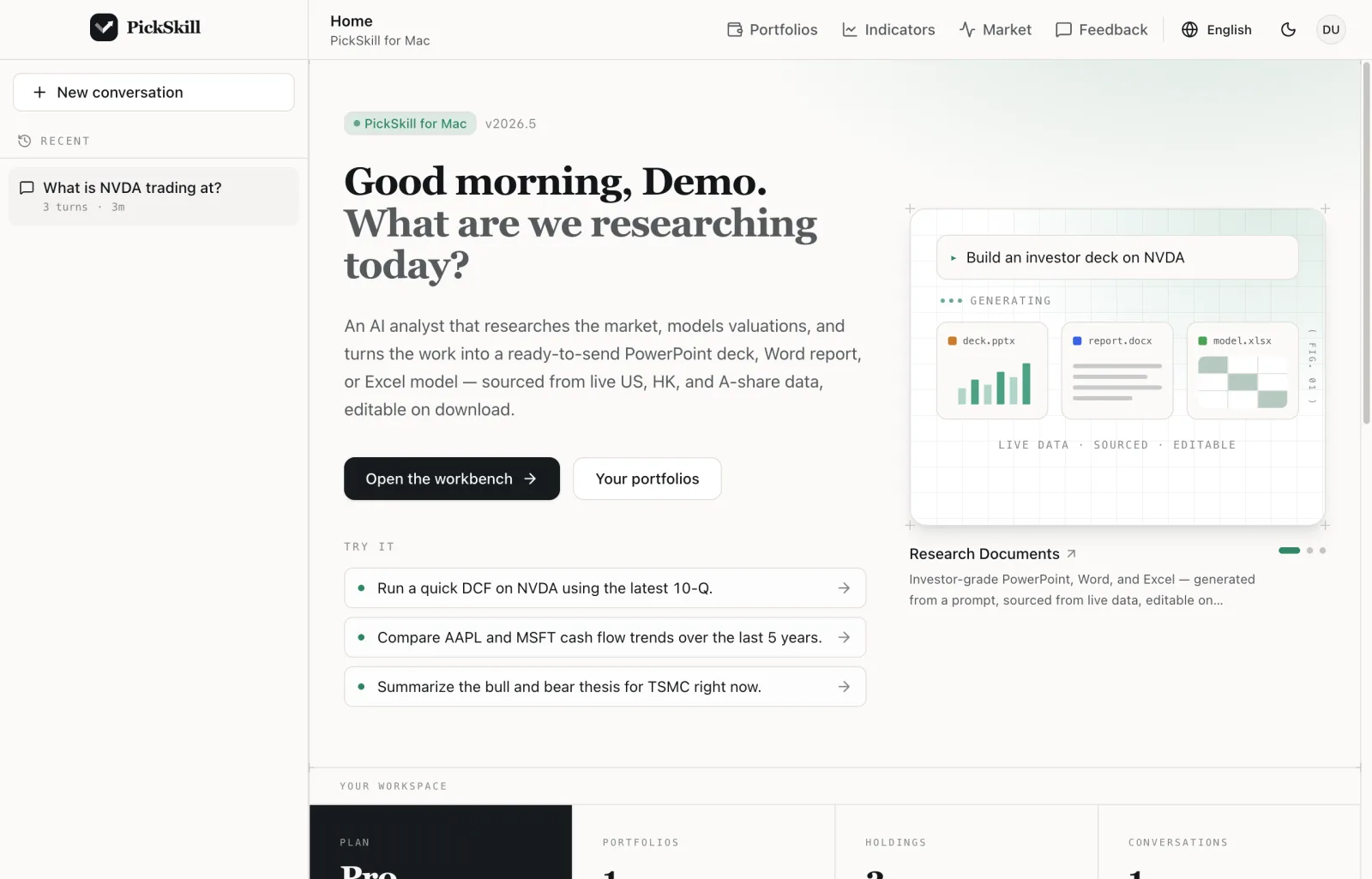
Install
Up and running in a minute.
- 01
Download
Pick the build for your Mac. Not sure which chip you have? Apple menu → About This Mac.
- 02
Drag to Applications
Open the .dmg and drag PickSkill into your Applications folder.
- 03
Allow the first launch
This early release is not notarized by Apple yet. Open PickSkill once, then go to System Settings → Privacy & Security and click Open Anyway. You only do this once.
- 04
Sign in
Use an email code or Google, with the same account as pickskill.ai.
Requirements
- macOS 13 Ventura or later
- Apple Silicon or Intel Mac
- A PickSkill account (the Free plan works)
Questions
- Is PickSkill for Mac free?
- Yes. The app is free to download and uses your PickSkill plan, including the Free plan. Conversations in the app count toward the same monthly quota as the web.
- Why does macOS ask me to confirm the first launch?
- This early release is signed but not yet notarized by Apple, so macOS blocks the first open. Approve it once in System Settings → Privacy & Security → Open Anyway.
- Is there a Windows or Linux version?
- Not yet. PickSkill for Mac is the first desktop release. On other systems, use pickskill.ai in your browser.