Output
From a prompt to a presentation-ready deck.
Investor-grade PowerPoint, Word, and Excel — generated from a prompt, sourced from live data, editable on download.
What it does
PowerPoint, Word, and Excel
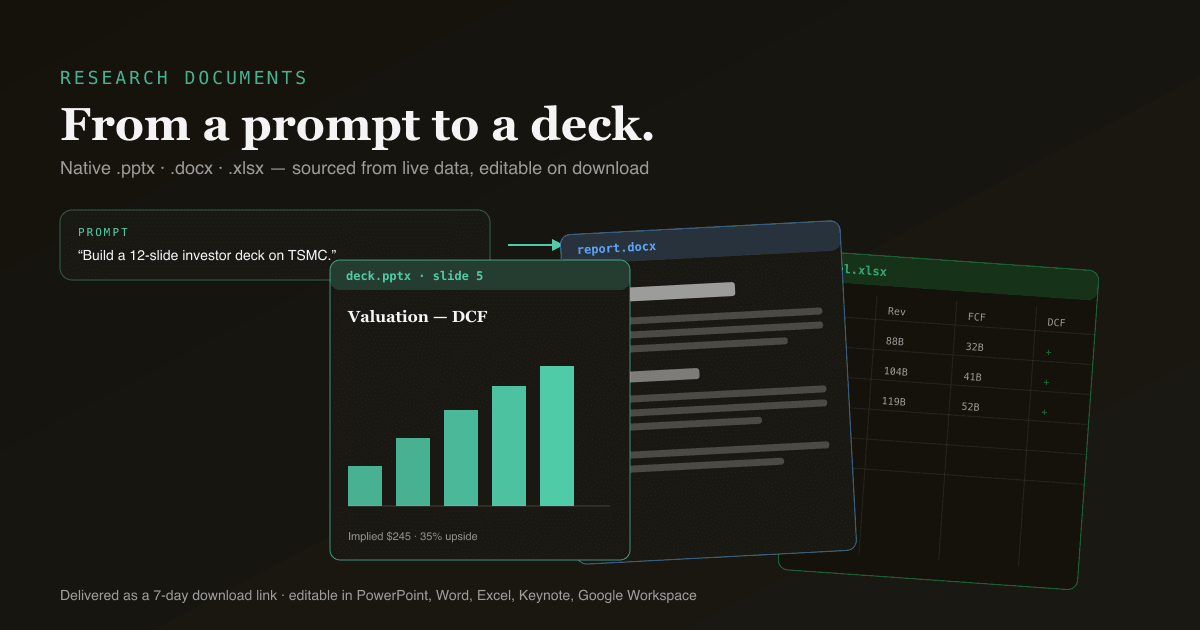
Native .pptx / .docx / .xlsx — not screenshots, not PDFs. Open in PowerPoint, Keynote, Word, Google Docs, Excel, or Sheets and edit every slide, paragraph, and cell.
Sourced from live data
Charts and tables are built from the most recent SEC filings, market feeds, and computed indicators — not the model’s memory. Every number traces to a source.
Investor-deck conventions
Decks follow the structure analysts actually present: thesis on slide 2, valuation explicit, risks pre-mortem’d. Excel workbooks ship multi-sheet with real cross-sheet formulas.
Edit by re-prompting
Push a margin assumption, reorder slides, add a scenario — ask in chat and the file regenerates. No template hell, no manual re-formatting.
Eight languages
Generate the same deck or report in English, Simplified / Traditional Chinese, Japanese, Korean, German, French, or Spanish — for the audience you’re presenting to.
Delivered as a download link
Files are hosted on Cloudflare R2 and delivered as a 7-day download link in chat — share it, or pull it into your own deck.
How it works
- 01
Do the research in chat
Build a DCF, read a 10-K, compare peers — the conversation becomes the source material.
- 02
Ask for the document
"Turn this into a 12-slide investor deck" or "build a 5-year DCF in Excel". One sentence.
- 03
Download the file
A real .pptx / .docx / .xlsx, ready in ~30–60 seconds with a 7-day link.
- 04
Edit or regenerate
Open and edit directly, or re-prompt in chat to change assumptions and get a fresh file.
Frequently asked questions
- Are the files real Office documents?
- Yes — native .pptx, .docx, and .xlsx generated via OfficeCLI, not screenshots or PDFs. They open and edit in PowerPoint, Keynote, Word, Excel, Google Workspace, and LibreOffice. Every shape, table, and formula is a real Office object.
- Where does the data come from?
- Live sources at generation time: SEC EDGAR filings (and HKEx / Cninfo for HK / A-shares), market-data feeds, and the indicators computed on the latest close. The model composes from sourced primitives rather than its training data, which is why the numbers are current and traceable.
- How many files can I generate?
- Depends on plan: Free 2/month, Starter 8, Pro 30, Power 100+. Output quality is the same on every plan. Download links are retained for 7 days.
From a prompt to a presentation-ready deck.
Free to try — 30 conversations a month, no card required.